

Therapy That Honors Your Whole Story.
Your healing journey shouldn't be walked alone.
For 47 years, we've guided East Bay families toward freedom through compassionate care that respects your unique path.
Therapy That Honors Your Whole Story.

Your healing journey shouldn't be walked alone.
For 47 years, we've guided East Bay families toward freedom through compassionate care that respects your unique path.
Welcome.
You’re not meant to carry it all alone. Here at Sycamore Grove, we understand how overwhelming life can be, especially when you’re navigating pain, loss, or the quiet ache of feeling stuck. For nearly fifty years, we’ve created a place where you can pause, breathe, and begin to discover what healing looks like for you.
Our approach is rooted in compassion and guided by faith. We see each person as uniquely created and deeply valued, with a story that deserves to be heard as it is held with care. Whether you’re feeling lost in the fog of depression, wrestling with anxiety, or searching for meaning and purpose in a difficult season, we’re here to walk with you in San Ramon CA.

A Place of Care and Connection
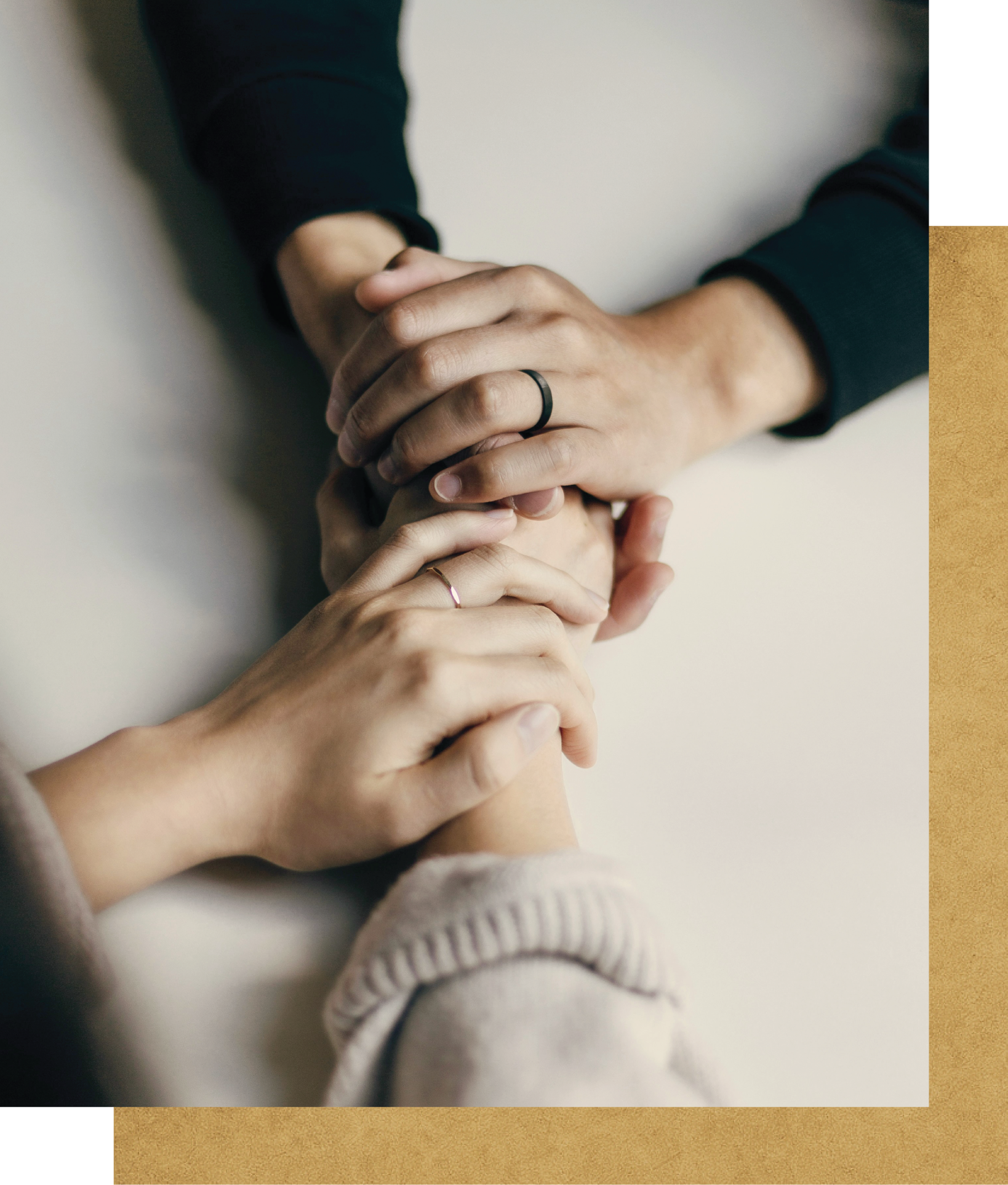
Since 1977, Sycamore Grove has been more than a counseling center, it’s been a refuge. A place where people from every background and every season of life have found care, hope, and the courage to grow.
Our team is made up of licensed clinicians, educators, and support staff who share a common belief: that every person’s story is sacred. We see therapy san ramon as more than just a service, it’s a calling. It’s about creating spaces where people can come as they are and find a path to becoming who they were meant to be.
For some, that journey includes faith. For others, it doesn’t. Either way, you’re welcome here. We believe that real healing happens when you’re seen, known, and supported every step of the way.
Take the First Step, Even If You’re Unsure
Why It Matters:
Taking the first step can feel like the hardest part. Our assessment helps you understand what you're facing as we discern what kind of support is right for you. It's private, risk-free, and a gentle way to begin your journey. Your healing matters, and we're here to help.
Start your journey toward health with our online intake form. It’s a simple way to share your needs and discover how therapy can help you grow and heal.


Why We Exist
We believe that every person was created with inherent worth and a purpose that’s bigger than their pain. Our mission is to provide therapy that helps people rediscover their worth as they step into the lives they’re meant to live.
We envision an East Bay where families thrive, individuals feel whole, and communities are transformed by the ripple effects of hope and healing. It’s a vision that shapes everything we do, from the way we listen in the therapy room to the way we partner with local churches, schools, and organizations to build a healthier, more connected community in San Ramon.
Why Choose
Sycamore Grove?
What sets us apart isn’t just our decades of experience, it’s our deep commitment to treating you as a whole person. We know that life’s struggles aren’t one-dimensional, so our care isn’t either. We blend clinical excellence with spiritual sensitivity, creating spaces where you feel safe enough to share and strong enough to grow.
We believe that healing is possible for everyone. Our team reflects the beautiful diversity of San Ramon, and we honor each person’s unique story and cultural background. When you walk through our doors, you'll find more than therapy. You'll discover a place where your journey is honored and your future is filled with hope.
Therapy for Every Season of Life
Individual Therapy
Life can be messy and overwhelming. Whether you’re feeling anxious, depressed, or just unsure of how to move forward, we’re here to help you find a sense of peace and direction. We offer a safe, confidential space where you can explore what’s holding you back as you begin to discover what freedom might look like.

Couples Therapy
Relationships are meant to be places of safety and connection, but sometimes it can feel like you’re speaking different languages. We help couples with marriage counseling learn to communicate more openly, rebuild trust, and find joy together again.

Family Therapy
Families shape who we are and how we see the world. When family relationships are strained, it can leave everyone feeling alone. We help families find new ways to connect, understand each other, and create a home where everyone feels valued and loved.

Child and Adolescent Therapy
Growing up isn’t easy, kids and teens often feel pressure to hide how they’re really feeling. Our teen therapists create a safe, welcoming space where young people can explore their feelings, build confidence, and find their place in the world.

Faith-Integrated Therapy
For many people, faith is an important part of the healing journey. We offer christian therapy in San Ramon that honors your beliefs and invites spiritual truths into the conversation, if that’s something you want. For others, we’re here to offer support in a way that’s secular and focused on your needs, always meeting you where you’re comfortable.

Real Stories, Real Change
Over the years, we’ve had the honor of walking with thousands of people through some of their hardest seasons, and we’ve seen firsthand how healing can change everything.


Your Journey to Wholeness
We offer a wide range of therapy services for individuals, couples, and families across every stage of life. From the worries of childhood and the transitions of adolescence to the challenges of marriage and the complexities of aging, our care is designed to meet you wherever you are.
We know that healing looks different for everyone. That’s why we take time to listen and to learn your story before we begin. We honor what you’ve been through and walk at your pace, helping you find the tools and insights you need to move forward.
Our therapists are trained in the latest, evidence-based practices, but what makes our care unique is the way we weave compassion and hope into every session. For those desiring a faith integrated approach, we offer mental health therapy that invites God’s love and truth into the process, because we believe that full healing happens when grace and professional care meet.

Let’s Begin Together
Your story matters. And healing doesn’t have to wait. Here’s how to start:

Start an Online Intake
Share a little about yourself so we can understand what you’re facing and how to help.
MAKE AN IMPACT FOR MENTAL HEALTH
100% of your donations
go directly to help us continue to provide lower fee care to those in need.

For nearly fifty years, we’ve walked alongside individuals and families in the East Bay, helping them find hope and restoration. We’ve seen relationships mended, lives renewed, and entire generations changed. This work is more than our mission, it’s our calling.
When you partner with Sycamore Grove, you help us continue to bring healing to those who need it most. You become part of a legacy that goes beyond any one life, reaching into the heart of our community for generations to come.

Start Your Path to Healing
You don’t have to keep carrying the weight alone. Reach out today and find a safe space where your story is honored, your struggles are met with compassion, and your future is filled with hope.
We’re ready to walk with you, wherever your journey leads.